3 products
plus one AI assistant, sharing a single operational database
One connected software suite for your dealers, your operation, and your leadership team — from the first quote through production, shipping, invoicing and the numbers you run on.
Watch
Seventy-two seconds on what the suite actually does — a dealer quoting a window on their phone, that quote becoming an order without anyone retyping it, and the work landing on the plant floor.
One software suite
Extrusia isn't just an ERP. It's a connected software suite designed around the people who sell, manufacture, manage and lead a window and door business.
Help your dealers sell.
Give your dealer network a better way to configure products, create quotes, manage jobs and submit accurate orders — on your products, your rules and your pricing.
Run your operation.
The operational center of the suite — order entry through manufacturing, shipping, invoicing and receivables, designed around how windows and doors are actually built.
See your operation.
Your ERP contains enormous amounts of information. Leadership shouldn't have to search for it. Link is the fast, clear read on where the business actually stands.
Get more done.
Traditional software makes you know which screen to open and which report to run. With Josie, your team can simply ask — and, with permission, ask her to do it.
Dealer Connect puts manufacturer-controlled product information and pricing directly into the hands of your dealers — so the quote they build is a quote you can actually manufacture.
Your products. Your rules. Their customers. One connection.

Manage the flow of your business from quote and order entry through manufacturing, shipping, invoicing and receivables. Unlike generic ERP platforms, Extrusia was designed around the unique requirements of window and door manufacturing.
That means your team works with familiar concepts — not a generic system bent into the shape of a window plant.
Software that understands what you build.
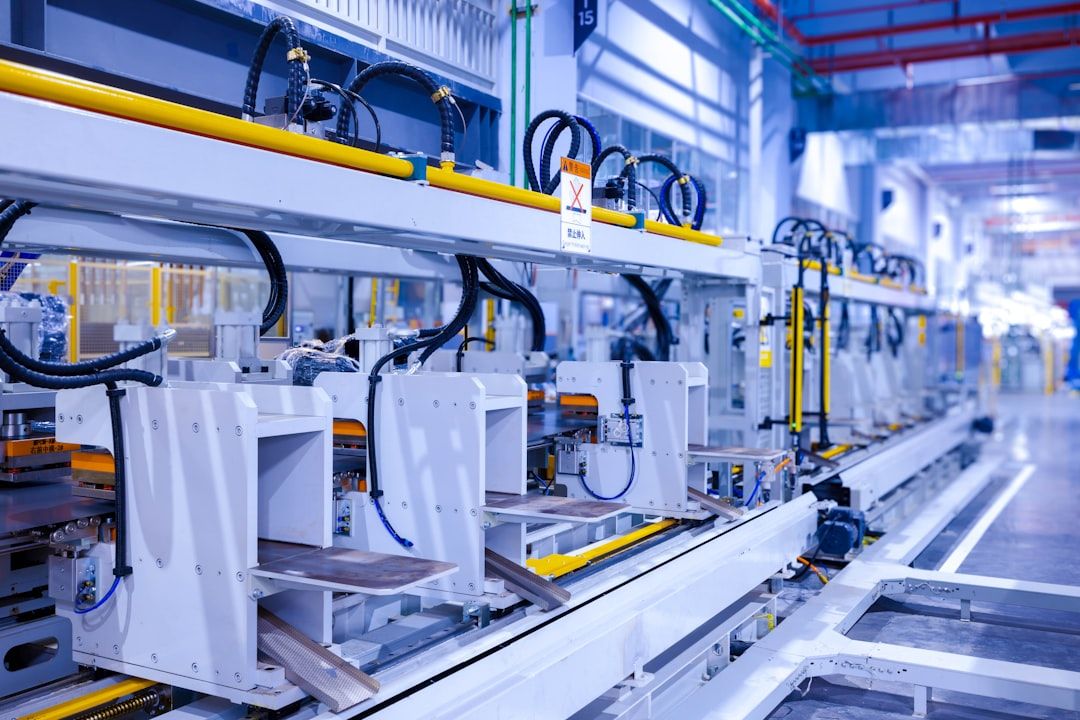
Extrusia Link gives owners, executives and managers a fast, clear view of the operation without requiring them to navigate through the ERP. Quickly see what's happening across the business — and identify the areas that need attention.
Illustrative board. Yours reads from your own live operation.
Instead of asking multiple departments for updates or searching through reports, leadership can quickly answer:
ERP runs the business. Link helps you see it.
Ask Josie
Josie is the AI assistant built into the Extrusia Software Suite. Traditional software requires users to know which screen to open, which report to run and which buttons to click. With Josie, your team can simply ask.
Ask Josie about your operation
Josie finds the information and turns operational data into understandable answers — because she works inside the suite, where your operational information and workflows already live.
Beyond answers
With appropriate permissions and safeguards, Josie can perform authorized tasks inside Extrusia.
Most AI tools can tell you something. Josie is designed to help you do something. Ask. Understand. Act.
Built for fenestration
Window and door manufacturing is complex, and your software should understand that complexity. Extrusia is designed around the products, terminology, processes and workflows of the fenestration industry.
You shouldn't have to teach a generic ERP how a window works. Extrusia already speaks your language.
The everyday operation
Instead of requiring manufacturers to purchase a long list of modules just to build a functional system, Extrusia brings together the essential operational capabilities your team needs — the everyday flow of a window and door manufacturing business, in the box.
Keep customer and dealer information organized and connected to the transactions they create — accounts, contacts, terms and pricing relationships in one place.
Configure complex window and door products using your company's products, sizes, options, rules and manufacturing requirements. Build what you sell — accurately.
Move from product configuration to quote to confirmed order without entering the same information over and over.
Manage product pricing, dealer-specific pricing, price levels, discounts and pricing changes from one centralized system.
Manage the complete lifecycle of an order — review, approve, release, modify and track as it moves through your organization.
Turn customer orders into actionable manufacturing information: what needs to be built, when, and where it is in the process.
Translate configured products into the components and materials required to manufacture them — generated from the configuration, not maintained by hand.
Generate the information your production team needs to build each order accurately, every time.
Track work as products move through manufacturing, with real visibility into where every order stands on the floor.
Manage completed orders as they move from the plant to the customer, including shipment and delivery information.
Turn completed orders into invoices, then manage customer balances, aging and receivables from the same system that built the product.
Generate operational documents and labels from the same information already contained in Extrusia — nothing assembled by hand.
See what's happening throughout the operation, with reporting across customers, orders, production, shipping and receivables.
Everything included
Every manufacturer is different, so Extrusia ships with every module included. Turn on what your business uses today; the rest is already there when you need it. Nothing is sold separately, and nothing has to be bolted on later.
Turn production data into action. Give production managers and leadership greater visibility into the floor — throughput, daily production goals, backlog, lead times, work-center performance, on-time completion and production trends.
Get more from every sheet. Optimize glass cutting to improve material utilization and reduce waste, with efficient cutting patterns based on glass sizes, sheet dimensions, kerf, rotation and manufacturing requirements.
Connect your equipment to Extrusia. Extend the digital workflow from the ERP directly to compatible manufacturing equipment — production and cutting information out, completion information back in. Less manual entry, better production connectivity.
Manage the opportunity before the order. Track prospects, opportunities, quotes, sales activities, conversions and salesperson performance — connected directly to the system that ultimately fulfills the order.
Manage what happens after production. Coordinate trucks, routes, deliveries, sequencing and delivery information so completed products reach customers efficiently.
Extend Extrusia's financial capabilities. Go beyond operational invoicing and receivables with accounts payable, general ledger, vendor management, payments, financial periods and financial reporting.
Stay connected after delivery. Manage service activity across the life of the product — service requests, warranty claims, replacement units, remakes and product history, all tied back to the original order.
Turn your data into decisions. Go beyond traditional reporting to analyze sales trends, bookings, backlog, product mix, dealer performance, quote conversion, production performance and operational trends.
One source of truth
Extrusia connects the information that moves through your business, so the numbers never get retyped — and never get to disagree.
A dealer configuration becomes a quote, and the quote becomes the order.
Quote → OrderThe order provides the information needed to manufacture the product.
Order → BOM → ProductionProduction completion moves the order toward delivery.
Production → ShippingShipping moves the transaction toward billing.
Shipping → InvoiceAnd everything created along the way becomes operational intelligence.
Invoice → Reporting → Link → JosieThe result is a connected flow from the person selling the product to the people building it — and to the people leading the organization. One connected software suite.
Designed for every level of your business
One suite, five audiences — each working in the part of it built for them, all reading from the same operational information.
Modern tools to configure, quote and order your products — on your rules and your pricing.
One system for managing the daily operation, from order entry through invoicing.
Orders, production information, workflows and equipment, connected end to end.
The status of the operation without digging through the ERP to find it.
Ask questions and request actions naturally, instead of hunting for the right screen.
Why Extrusia
Designed specifically for window and door manufacturing — not a generic ERP with a fenestration skin.
Dealers, sales, orders, manufacturing, shipping, financial information and leadership visibility, together.
Every module is included from day one. Nothing to buy later, nothing to bolt on.
Josie makes your operational information easier to access, understand and act upon.
The right information in front of the right people — dealers, office staff, plant managers, executives.
Built to grow with you
Every Extrusia capability is there from the first day. Use what your business needs now, and the rest is waiting when it does.
Advanced manufacturing, plant intelligence, machine connectivity, accounting, logistics, service, analytics, dealer and AI capabilities are all part of the same suite, so there is nothing to add on and no platform to abandon as you grow.
Migration
The reason shops stay on 20-year-old software is fear of the cutover. Extrusia's onboarding pipeline imports your catalog, price books, customers, vendors, open A/R and live order backlog — then replays your recent real orders through the new engine and refuses to go live until the prices match to the penny. How migration works › · Read EarthWise's cutover ›

API-first
The workspace, the desktop app, the plant TV, the shop-floor agent, Dealer Connect, Link and your own integrations all speak to the same documented REST API — more than 1,000 operations with OpenAPI docs, webhooks with signed deliveries, and per-dealer scoped keys.
Browse the live API docsGuides & free tools
Calculators for the arithmetic a window plant and its dealers do every day, and guides to the rules behind them, written from putting a working plant onto Extrusia.
Centerline and frame sizes for every opening of a mulled unit.
Free toolDiscount or multiplier, stacked discounts, markup and margin.
Free toolDoes a lite need safety glass, for its size or its location?
Free toolHow many sticks a cut list really needs, with a cutting plan.
GuideThe ratings, why glass and grids change them, and printing them per window.
GuideWhy per-pane glass stickers miscount, and how to pair panes into IG units.
GuideTwelve capabilities that matter and the questions to ask in a demo.
ReferenceMulls, lites, IG units, SHGC, united inches and the rest, defined.
Ready to see Extrusia?
From the dealer creating the quote to the team building the product and the leadership team monitoring the operation, Extrusia connects the people and the information that keep your business moving.
The best demo is your own catalog, your own sizes and your own dealer books — penny-checked against what your current system says.